
Platform
The building blocks under every AI employee
An AI employee is a composition, not a product feature. These are the parts you assemble — and the parts you can inspect when something goes wrong.
Agents
Named AI employees with their own instructions, model, skills, tools and approval policy.
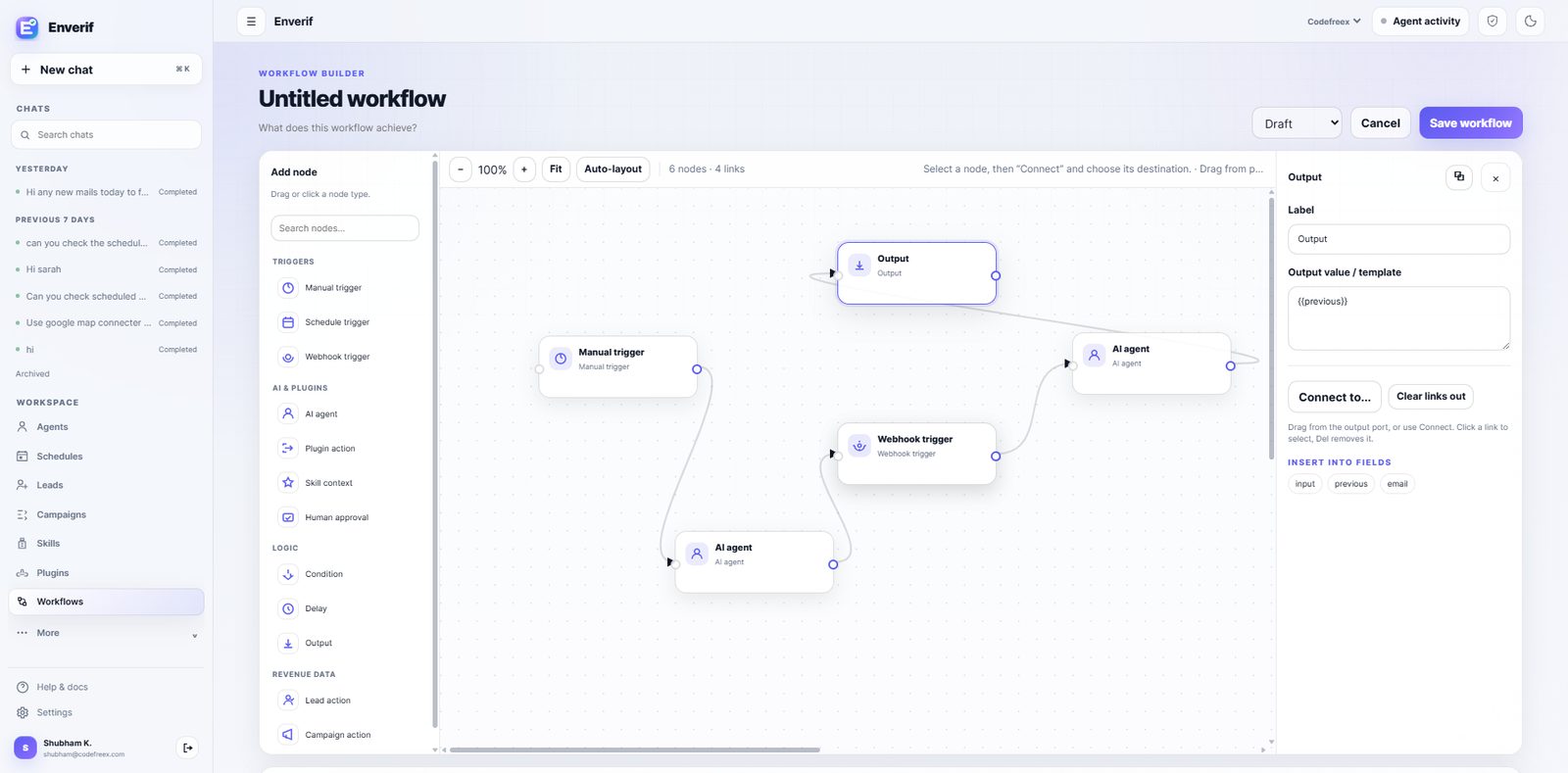
Workflows
Multi-step sequences that chain agents, tools and conditions into a repeatable process.
Skills
Packaged instructions and procedures an agent can load for a specific job.
Plugins
Connector packages that give agents authenticated access to a product's API surface.
MCP
Configure Model Context Protocol servers so agents can use external tools and resources.
Knowledge
Your documents and data, retrievable by agents so answers stay grounded in your material.
Approvals
External sends and write actions require human approval unless you explicitly enable autonomy.
Scheduling
Recurring runs on a cron-style schedule, with full history of what each run did.
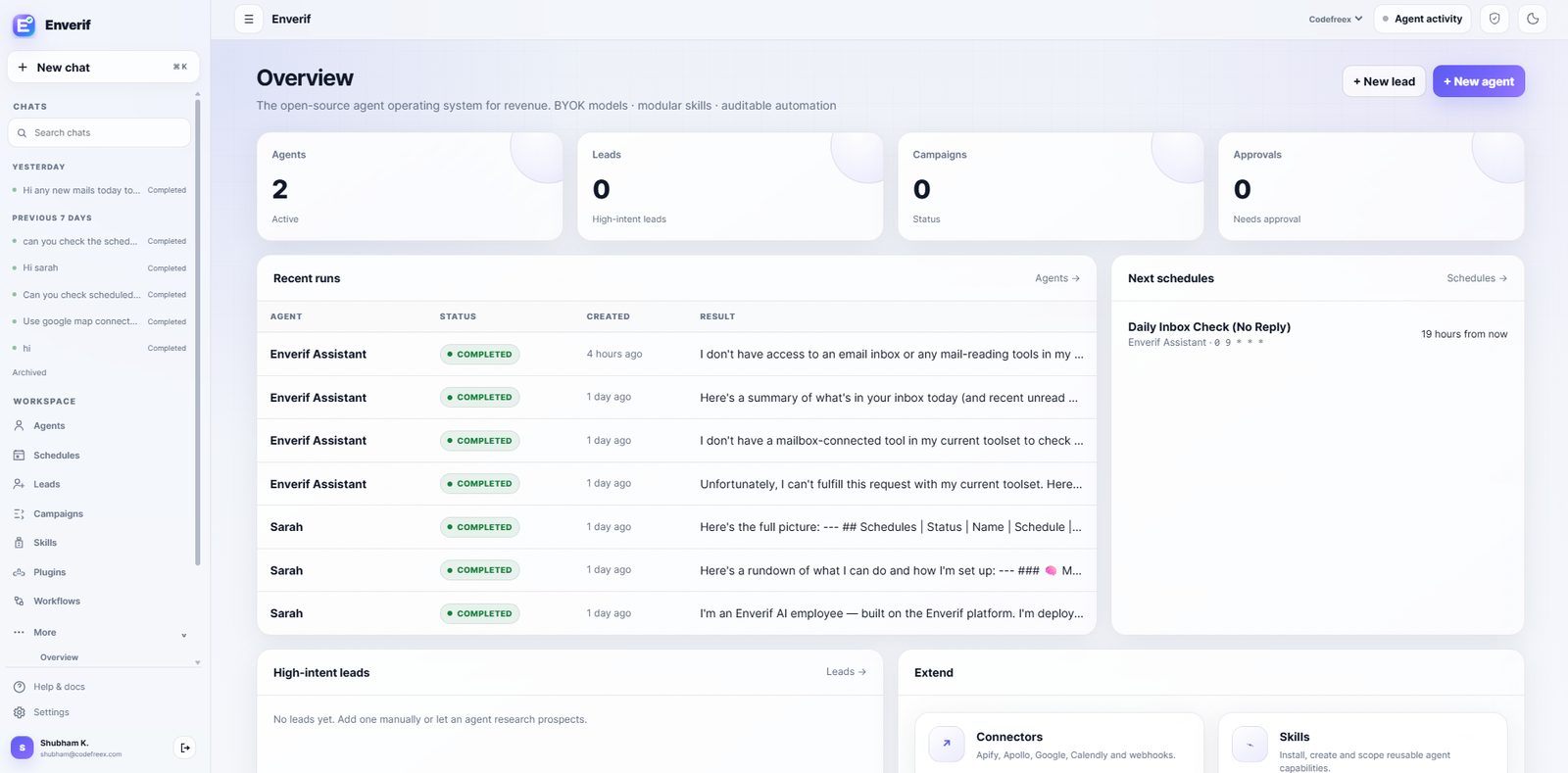
Analytics
Run history, credit usage and outcome reporting across every agent in the workspace.
Execution model
One path, always inspectable
Runs are recorded step by step: which skill loaded, which model answered, which tool was called and what the human approved.
- 1.Goal — You describe the outcome in plain language.
- 2.AI Employee — A named agent owns the goal, with its own scope and policy.
- 3.Skill + Model — The agent loads the right skill and runs on your chosen model.
- 4.Plugin / MCP — Authenticated tools give it access to your real systems.
- 5.Approval policy — Write actions and external sends wait for a human unless you allow autonomy.
- 6.Real action — Email sent, record written, report published, campaign scheduled.
- 7.Run history — Every step, tool call and output is logged and reviewable.
Execution trace
Every action keeps its context
- 1
Load the assigned agent instructions and skills
The next step runs only with the tools and permissions assigned to this agent.
- 2
Select the configured model and knowledge context
The next step runs only with the tools and permissions assigned to this agent.
- 3
Call only the connected plugin or MCP tools
The next step runs only with the tools and permissions assigned to this agent.
- 4
Require approval for governed write actions
The next step runs only with the tools and permissions assigned to this agent.
- 5
Retain the run history for review
The result and tool activity remain available in the run history.
Put your first AI employee to work this week.
Start on Enverif Cloud, or clone the repository and self-host. Approvals are on by default either way.