
MCP
Tools we never built, used safely
Model Context Protocol lets an agent call tools from any compliant server. Enverif's MCP client and manager make those servers first-class alongside built-in plugins.
How it works
Four steps from server to run
Add a server
Register the server URL or command, its transport and its auth model.
Review exposed tools
Enverif lists the tools and resources the server advertises.
Grant it to an agent
Attach specific tools to specific AI employees, not the whole workspace.
Watch the runs
MCP tool calls appear in run history exactly like built-in plugin calls.
Models
Any provider, any agent, no rewrite
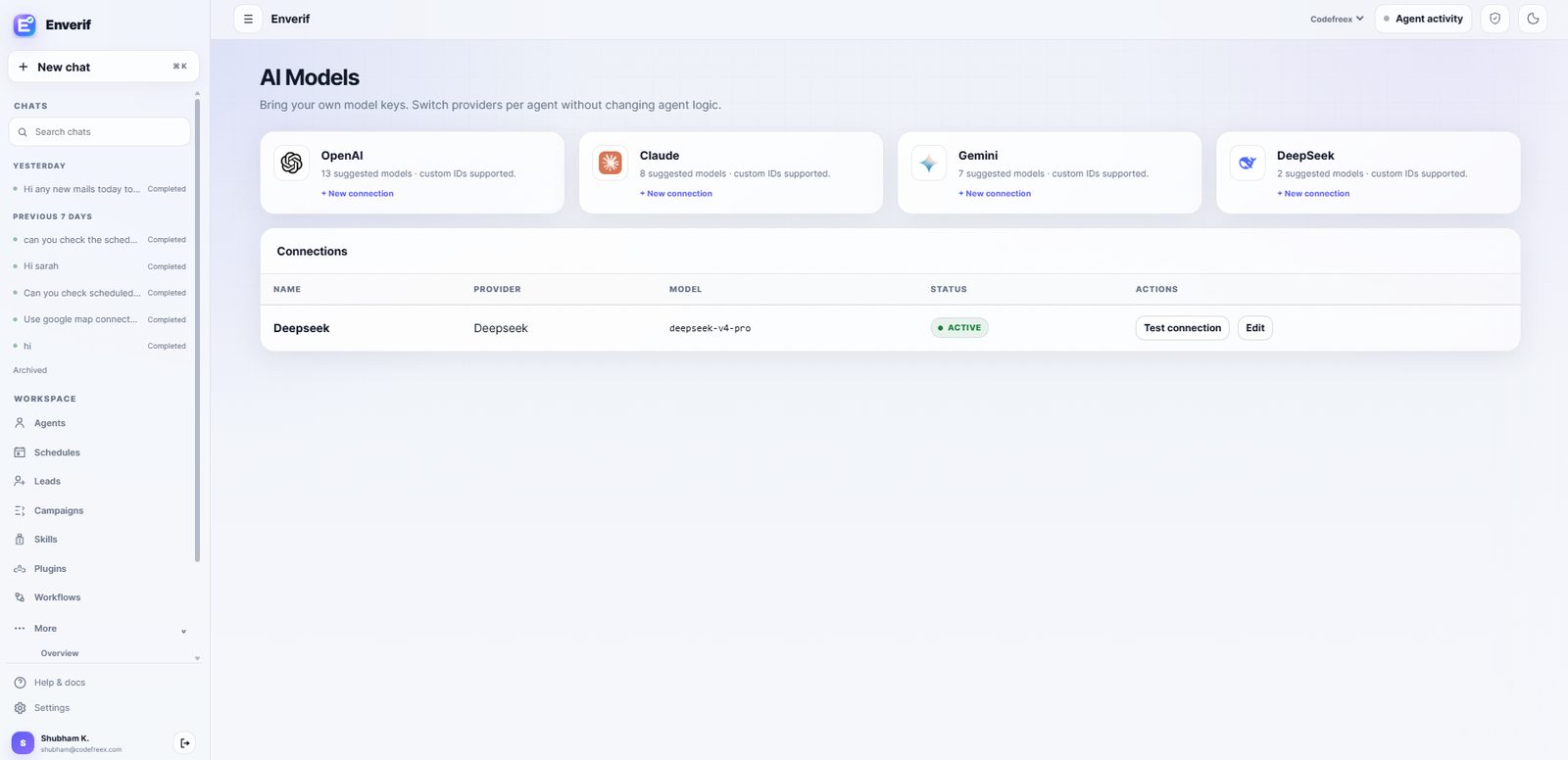
MCP handles tools; model connections handle reasoning. Connect OpenAI, Claude, Gemini or DeepSeek with your own keys and switch per agent — instruction sets, skills and approvals stay exactly as they are.
- Provider keys stored as workspace secrets, never in agent prompts.
- Custom model IDs supported alongside suggested models.
- Test a connection before an agent depends on it.
Honest scope
Why we don't publish an MCP server directory
We list connectors we build and maintain. We don't present third-party MCP servers as verified Enverif integrations.
An MCP server is either configured by you, verified by us against a documented Enverif version, or a community project. Those are different things, and mixing them into one logo wall would be misleading.
Practical guidance: use a built-in plugin where one exists — it's tested and approval-aware. Use MCP where you need reach into a system Enverif doesn't connect to directly.
Have an MCP server you want to run?
Bring the server details to a demo and we'll wire it to an agent live.